The short version
Our perspective
An appealing portable Mac for general work, with configuration and price doing more to decide its value than the chip name alone.
What works
- A compact 13.6-inch display and portable design
- 16GB unified memory in the base configuration
- MagSafe charging preserves the two Thunderbolt ports
What to consider
- Memory and internal storage are not user-upgradeable
- A limited port selection can mean carrying adapters
- A fanless design is not the first choice for sustained heavy workloads
- Model
- 13-inch, M4, introduced in 2025
- Display
- 13.6-inch, 2560 × 1664
- Base memory
- 16GB unified memory
- Base storage
- 256GB SSD
Specifications refer to the model described. Performance figures are manufacturer claims.
Start with your work, then choose the laptop
A good portable computer should disappear into your working day. Writing, researching, building presentations, and managing a busy browser are different requirements from rendering a long video or running a large local dataset. The 13-inch M4 MacBook Air is most interesting when portability and everyday responsiveness sit at the top of your list.
This article concerns the M4 model introduced in 2025, not every computer sold under the MacBook Air name. Configuration matters. Check the chip, display size, memory, storage, keyboard region, and warranty on the actual listing. A familiar product photo is not enough to establish which machine is in the box.
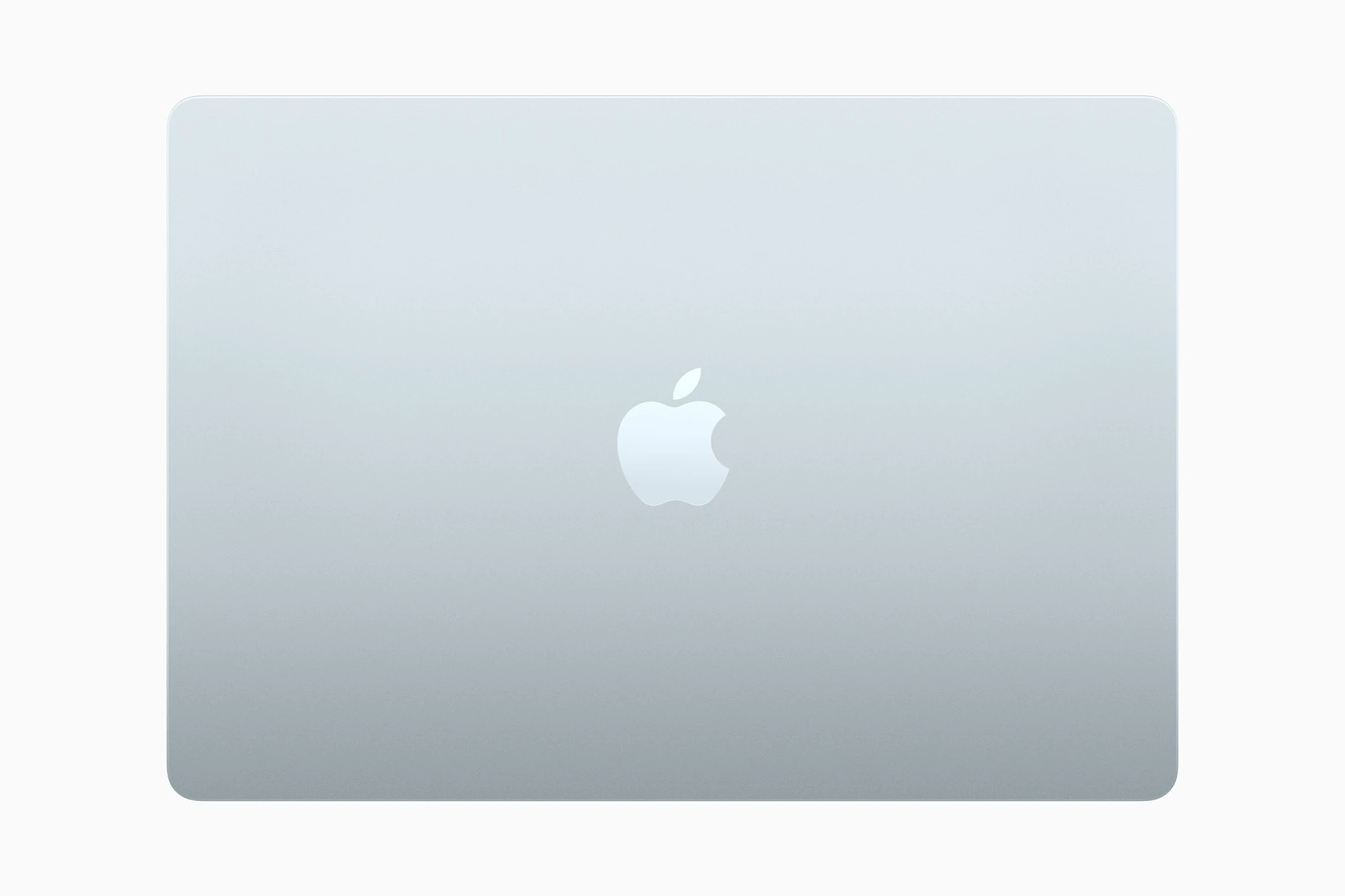
A display designed around portability
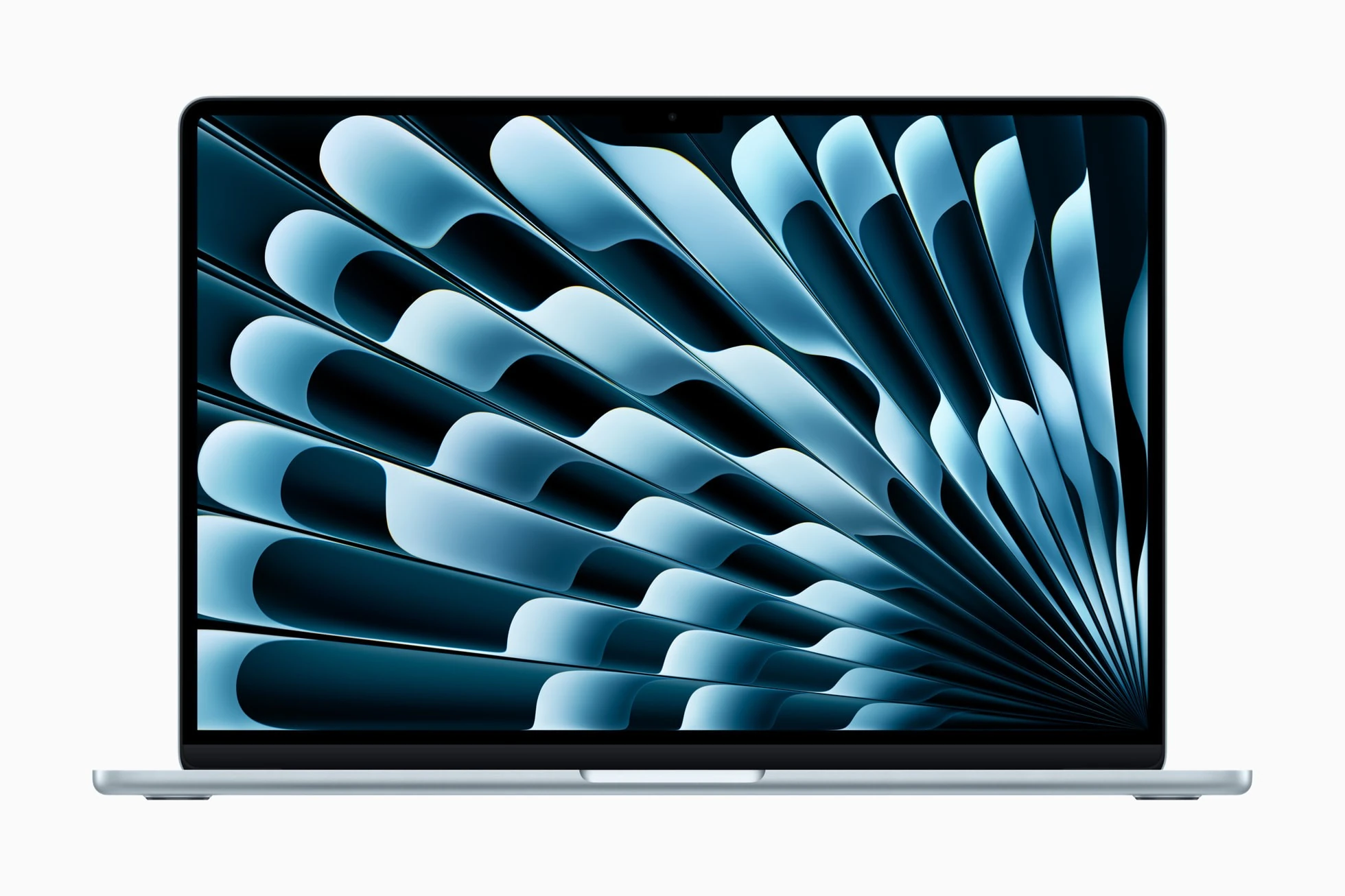
Apple lists a 13.6-inch, 2560-by-1664 Liquid Retina display with a 500-nit brightness specification. Those numbers describe the panel; they do not substitute for measuring its readability in your workspace. A small display is convenient in a bag, but the same size can feel restrictive when you arrange a spreadsheet beside a reference document.
For someone who docks at a desk and travels with a single lightweight computer, that trade can be sensible. If the built-in screen will be your only screen for long days, compare the larger Air and competing laptops in person. The cheapest suitable machine is not always the smallest one.
Spend carefully on memory and storage
The base model has 16GB of unified memory and a 256GB SSD. Apple offers higher configurations, but these choices need to be made before purchase. Think about the applications you keep open and the files that must stay on the internal drive. A cloud subscription does not remove the need for local working space or a separate backup.
It is easy to turn a value-oriented laptop into an expensive one by upgrading every option. Price the configuration you need against alternatives with the same practical capacity. An external SSD may be sensible for an archive, while memory is a different decision because it cannot be added later.
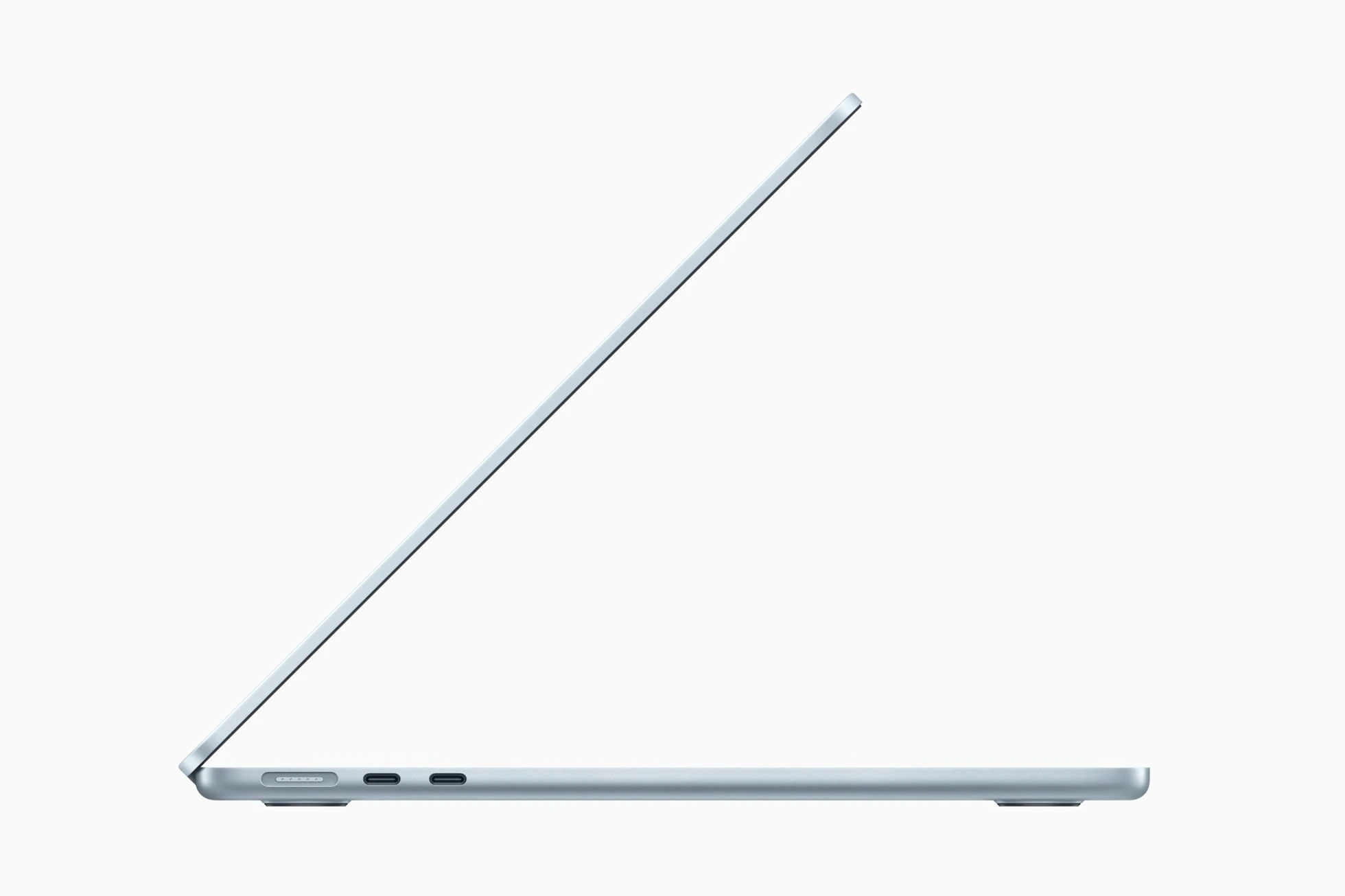
Ports, power, and the quiet-design trade
MagSafe charging and two Thunderbolt 4 ports give the machine a useful basic arrangement, but photographers and presenters should account for adapters. Include their cost and the inconvenience of carrying them in the comparison. A laptop that is thin on its own may be less convenient once every accessory has to travel with it.
The fanless design is attractive for quiet rooms. It also makes this a different proposition from a workstation built for long, sustained processing loads. We have not benchmarked this unit or independently measured its battery life. Treat Apple’s runtime figures as controlled manufacturer claims rather than a promise for your own mix of calls, browser tabs, and brightness settings.
Who should buy it?
Consider the M4 Air if you already prefer macOS, need an easy-to-carry computer, and mostly do general office, study, or light creative work. Compare something else if your software requires Windows, you need extensive built-in connections, or your work regularly keeps every processor core busy for long periods.
Because this is a 2025 model, compare its current price with newer and refurbished options. Look for the exact capacity you need rather than chasing a percentage-off banner. Battery condition and warranty deserve special attention on used machines.
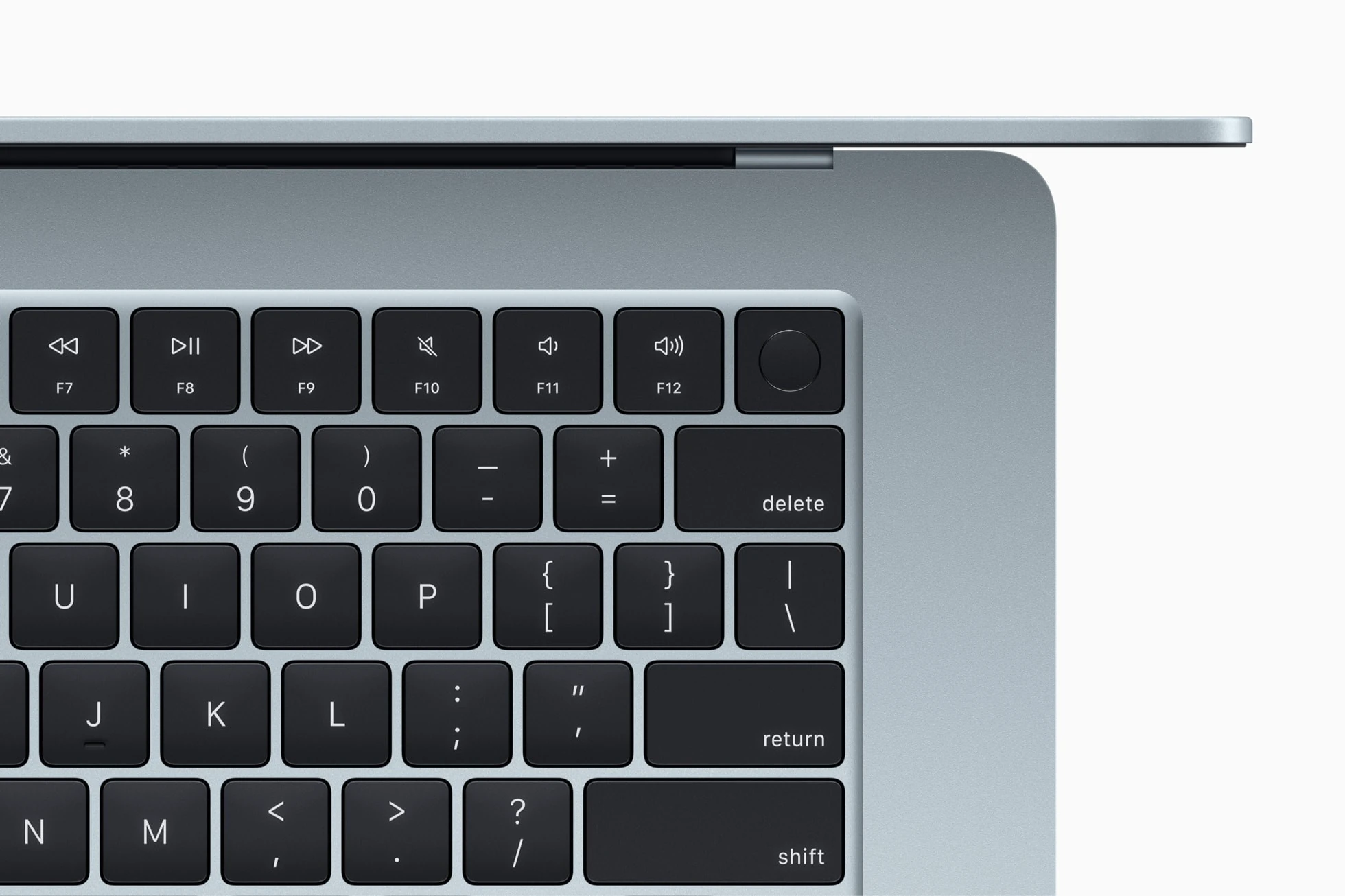
The Blueeagle conclusion
The M4 Air is a coherent portable computer when its limits match your workflow. Choose memory and storage deliberately, budget for any adapters, and compare the final price. That is a stronger buying method than treating an attractive enclosure or a familiar chip badge as a complete recommendation.
Sources & editorial notes
This original Blueeagle assessment uses the documented features linked below. We have not physically tested this product for this article. Product specifications, compatibility, and prices can change.
Published November 1, 2026. Suggest a correction.
Photography credits
- 1. MacBook Air M4 in sky blue. — Apple. Apple PR product photography — editorial use
- 2. Top view of the sky-blue aluminum enclosure. — Apple. Apple PR product photography — editorial use
- 3. Side view shows the thin chassis and ports. — Apple. Apple PR product photography — editorial use
- 4. Touch ID and Magic Keyboard detail. — Apple. Apple PR product photography — editorial use